

This article will introduce a Facial Feature Localization API integration guide, which can perform facial feature localization (also known as facial keypoint localization) by inputting an image, calculating 90 points that form the facial contour, including eyebrows (8 points each for left and right), eyes (8 points each for left and right), nose (13 points), mouth (22 points), face shape contour (21 points), and pupils (2 points).Documentation Index
Fetch the complete documentation index at: https://docs.acedata.cloud/llms.txt
Use this file to discover all available pages before exploring further.
Application Process
To use the API, you need to first apply for the corresponding service on the Facial Feature Localization API page. After entering the page, click the “Acquire” button, as shown in the image below: If you are not logged in or registered, you will be automatically redirected to the login page inviting you to register and log in. After logging in or registering, you will be automatically returned to the current page.
Upon your first application, there will be a free quota provided, allowing you to use the API for free.
If you are not logged in or registered, you will be automatically redirected to the login page inviting you to register and log in. After logging in or registering, you will be automatically returned to the current page.
Upon your first application, there will be a free quota provided, allowing you to use the API for free.
Basic Usage
First, understand the basic usage method, which is to input the image link to obtain the processed result image. You need to simply pass animage_url field, with the facial image shown below:

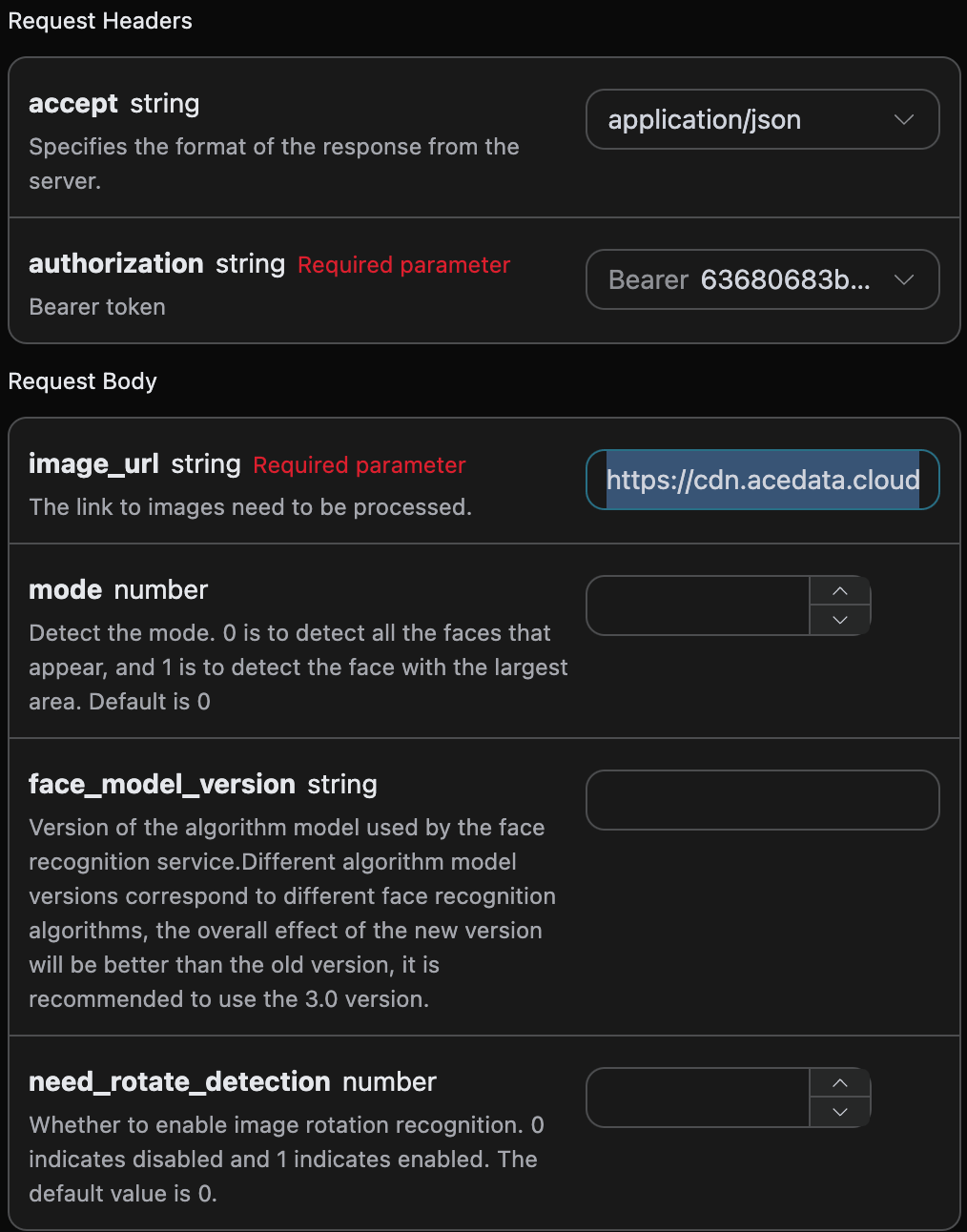
accept: the format of the response result you want to receive, here filled asapplication/json, which means JSON format.authorization: the key to call the API, which can be directly selected after application.
image_url: the link to the facial image that needs to be processed.mode: detection mode. 0 is to detect all faces present, 1 is to detect the largest face area. The default is 0.face_model_version: the algorithm model version used for facial recognition service, the default is3.0.need_rotate_detection: whether to enable image rotation recognition support. 0 means not enabled, 1 means enabled. The default is 0.
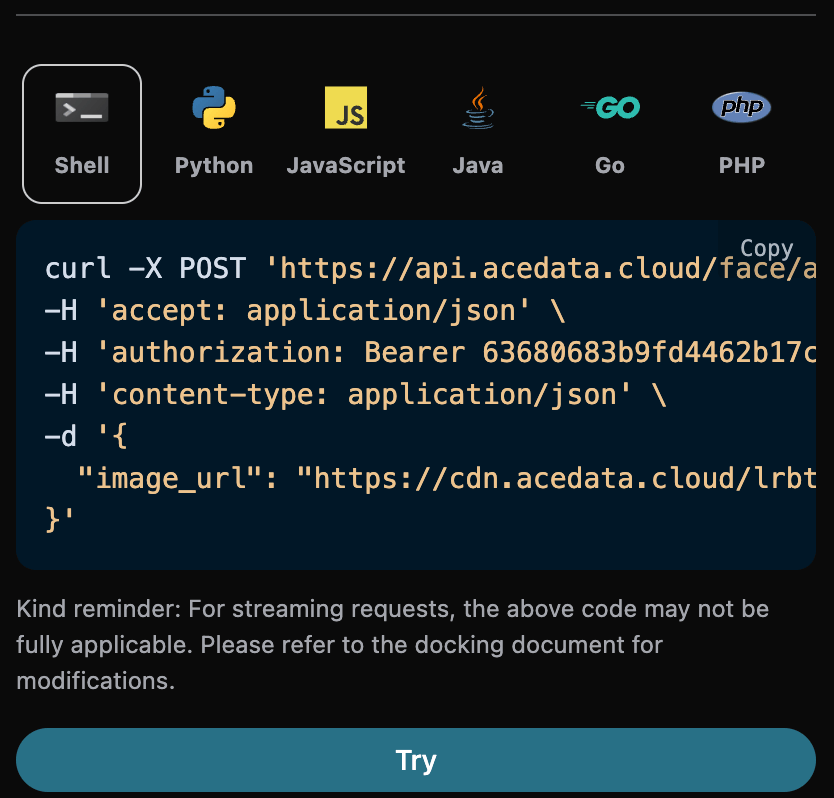
image_width: The requested image width.image_height: The requested image height.face_model_version: The algorithm model version used for face recognition.face_shape_set: Specific information for facial feature positioning (facial key points).face_profile: 21 points describing the face shape contour.x: x-coordinatey: y-coordinate
left_eye: 8 points describing the contour of the left eye.x: x-coordinatey: y-coordinate
right_eye: 8 points describing the contour of the right eye.x: x-coordinatey: y-coordinate
left_eye_brow: 8 points describing the contour of the left eyebrow.x: x-coordinatey: y-coordinate
right_eye_brow: 8 points describing the contour of the right eyebrow.x: x-coordinatey: y-coordinate
mouth: 22 points describing the contour of the mouth.x: x-coordinatey: y-coordinate
nose: 13 points describing the contour of the nose.x: x-coordinatey: y-coordinate
left_pupil: 1 point of the left pupil contour.x: x-coordinatey: y-coordinate
right_pupil: 1 point of the right pupil contour.x: x-coordinatey: y-coordinate
Error Handling
When calling the API, if an error occurs, the API will return the corresponding error code and message. For example:400 token_mismatched: Bad request, possibly due to missing or invalid parameters.400 api_not_implemented: Bad request, possibly due to missing or invalid parameters.401 invalid_token: Unauthorized, invalid or missing authorization token.429 too_many_requests: Too many requests, you have exceeded the rate limit.500 api_error: Internal server error, something went wrong on the server.